Linkswell | HDMI In-Module
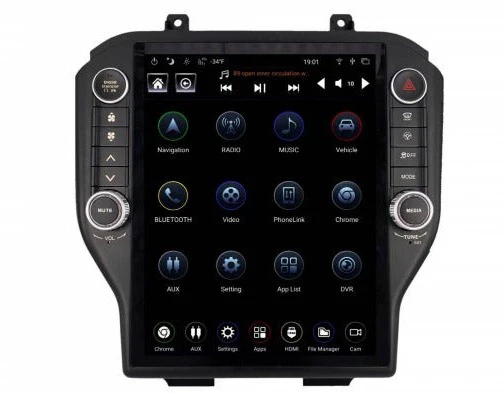
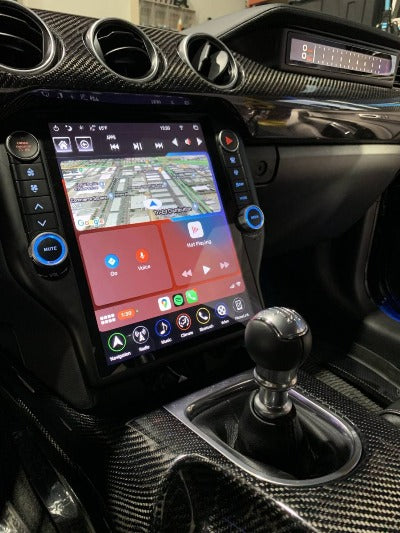
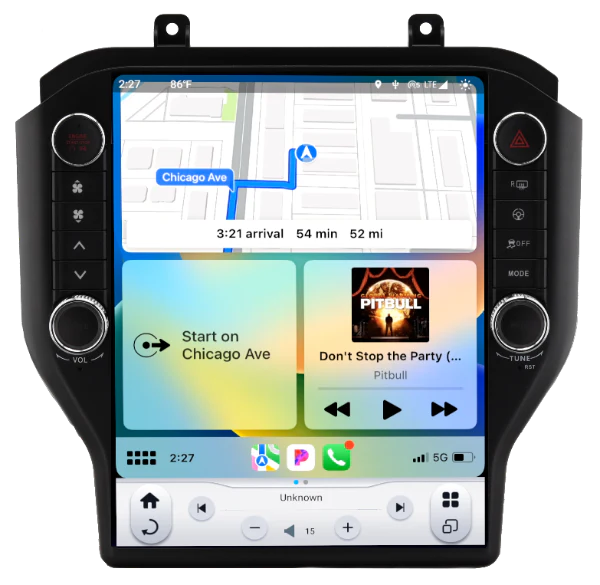
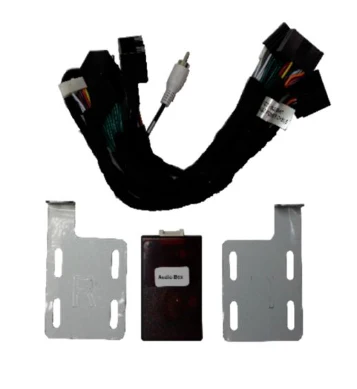
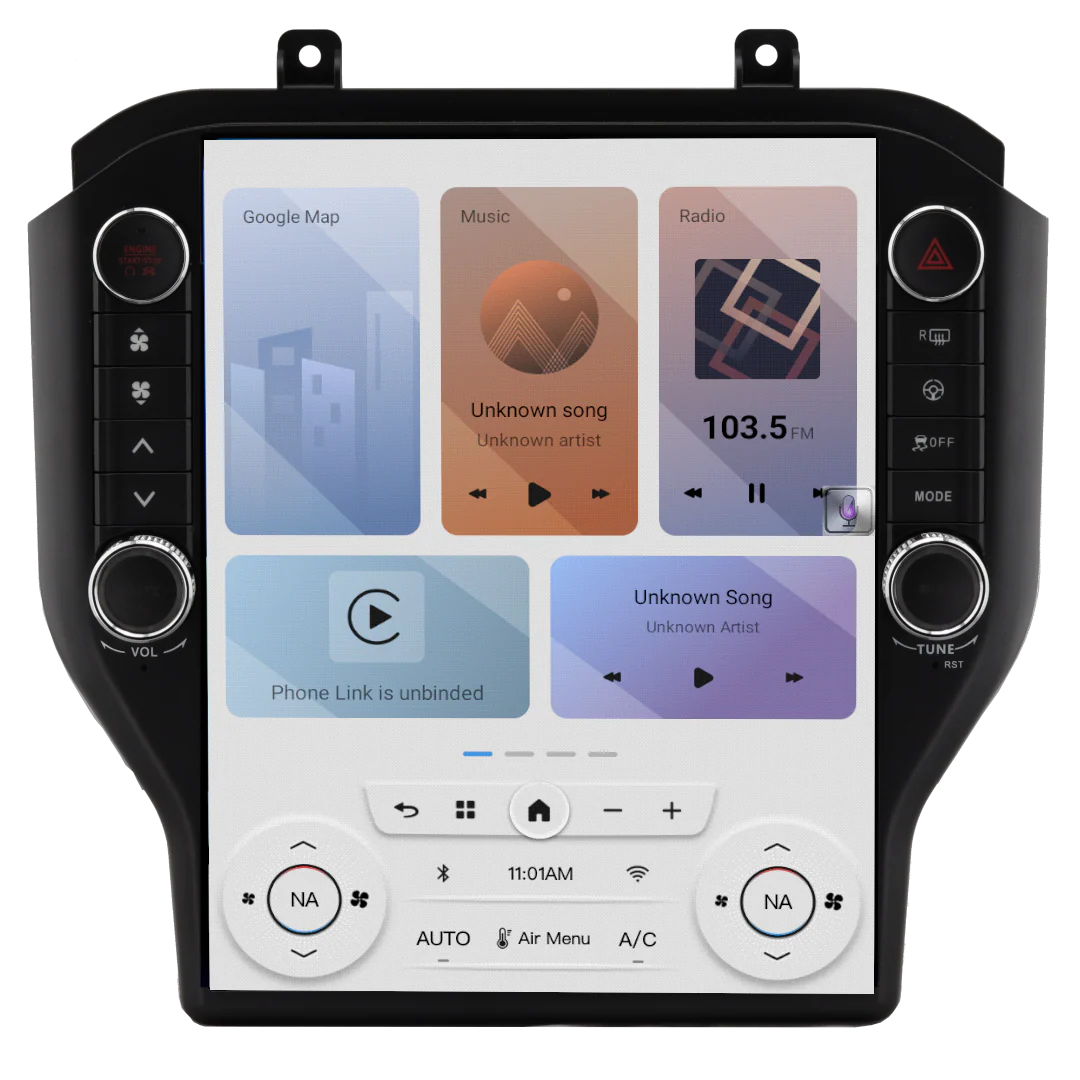
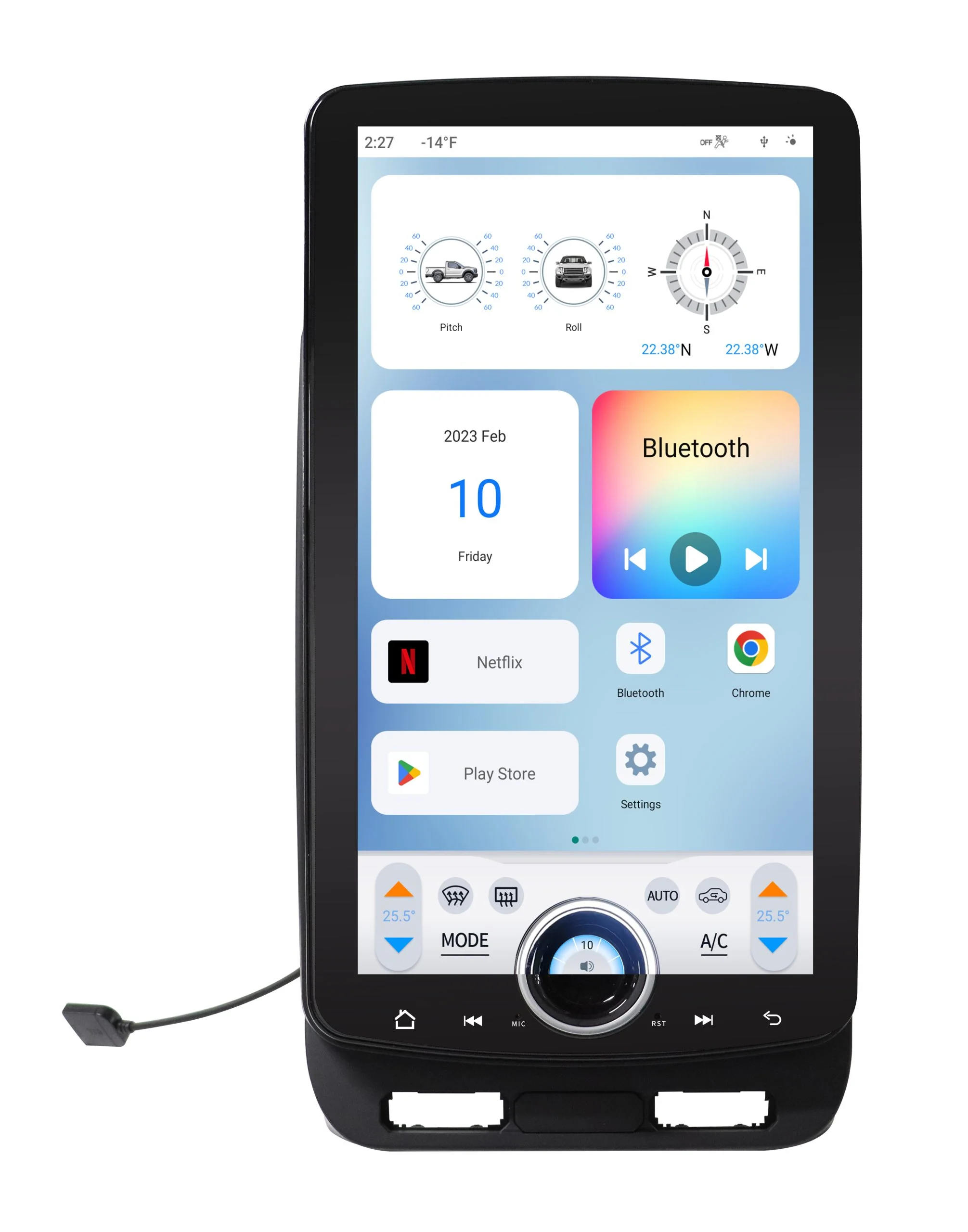
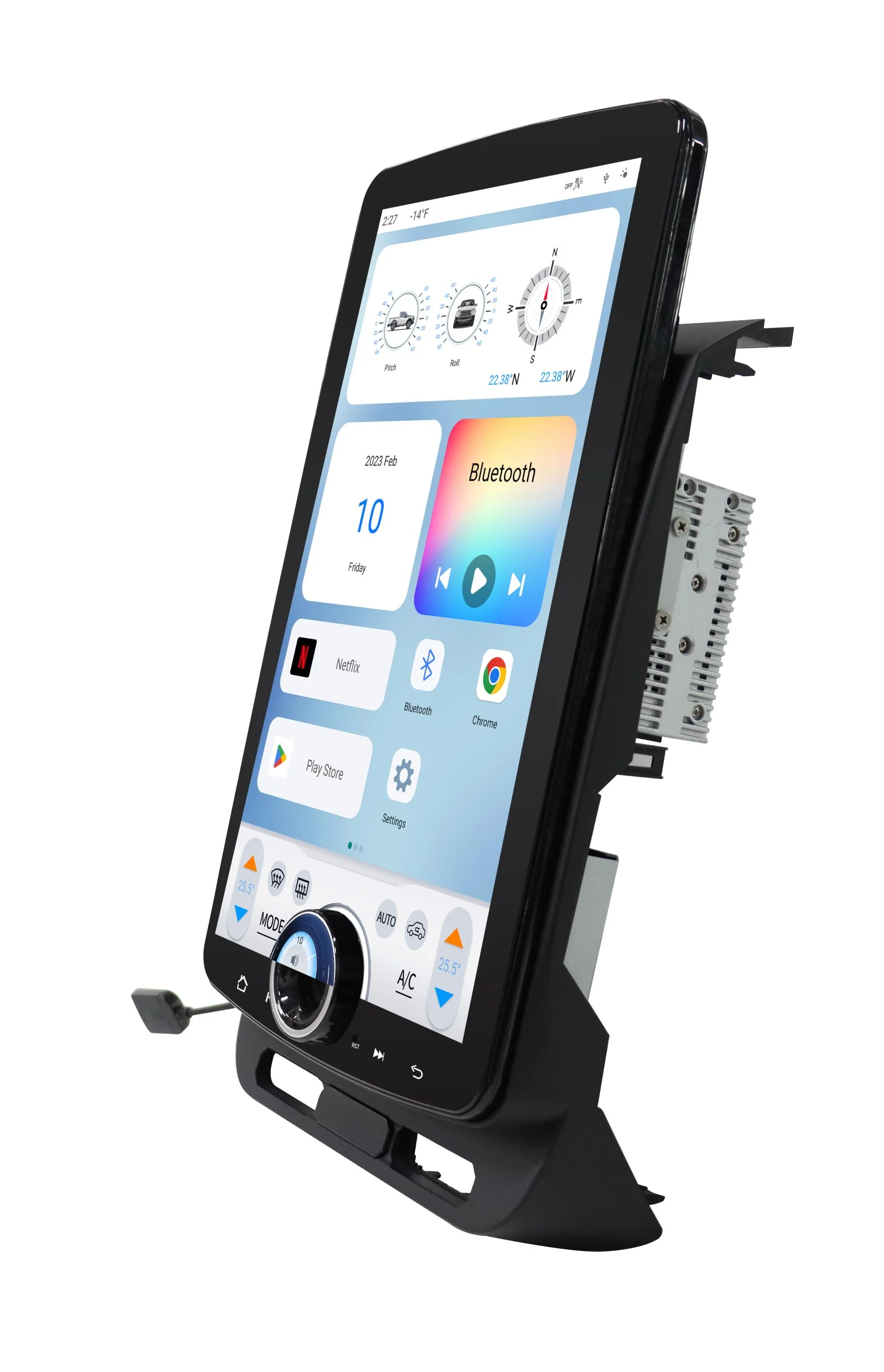
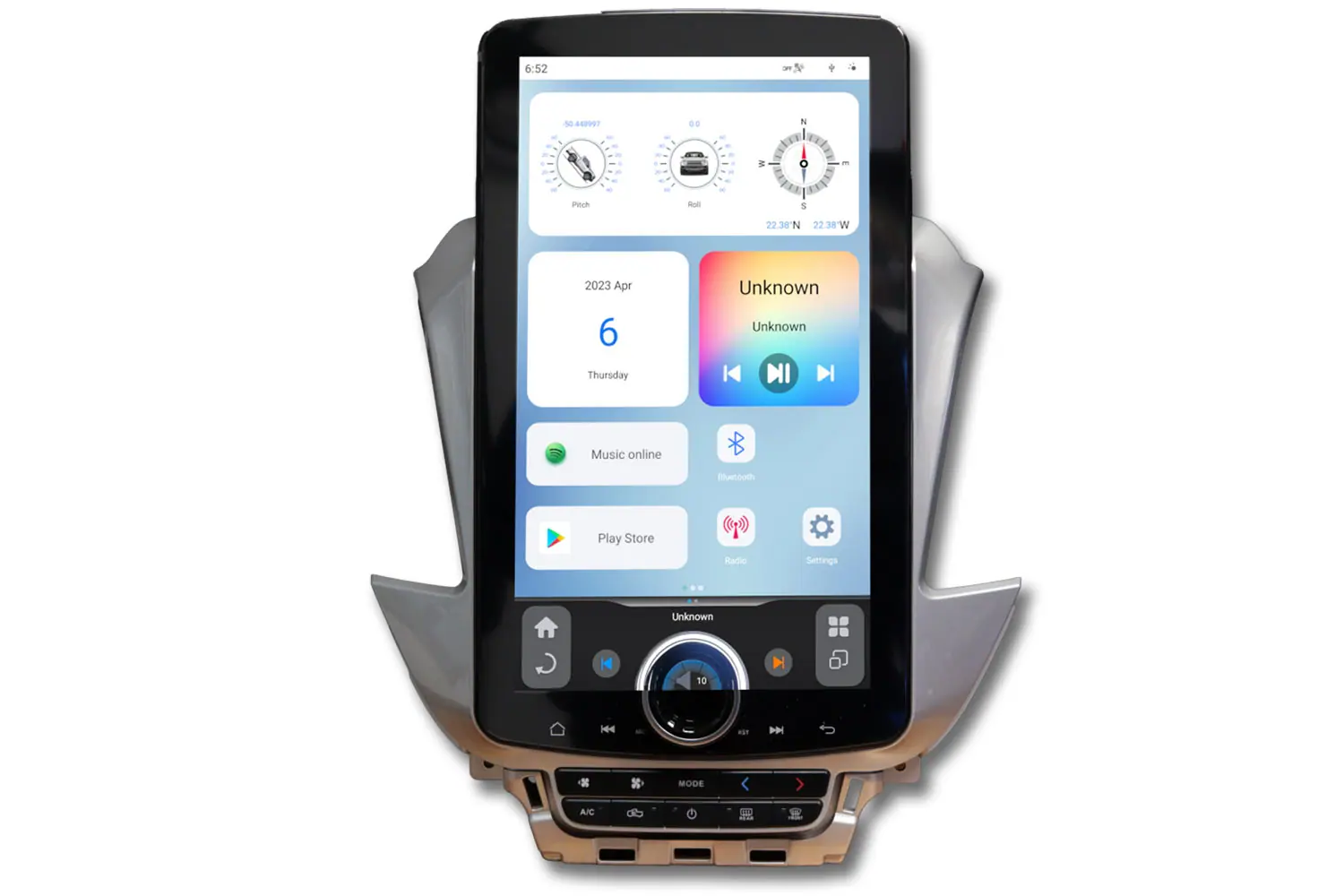
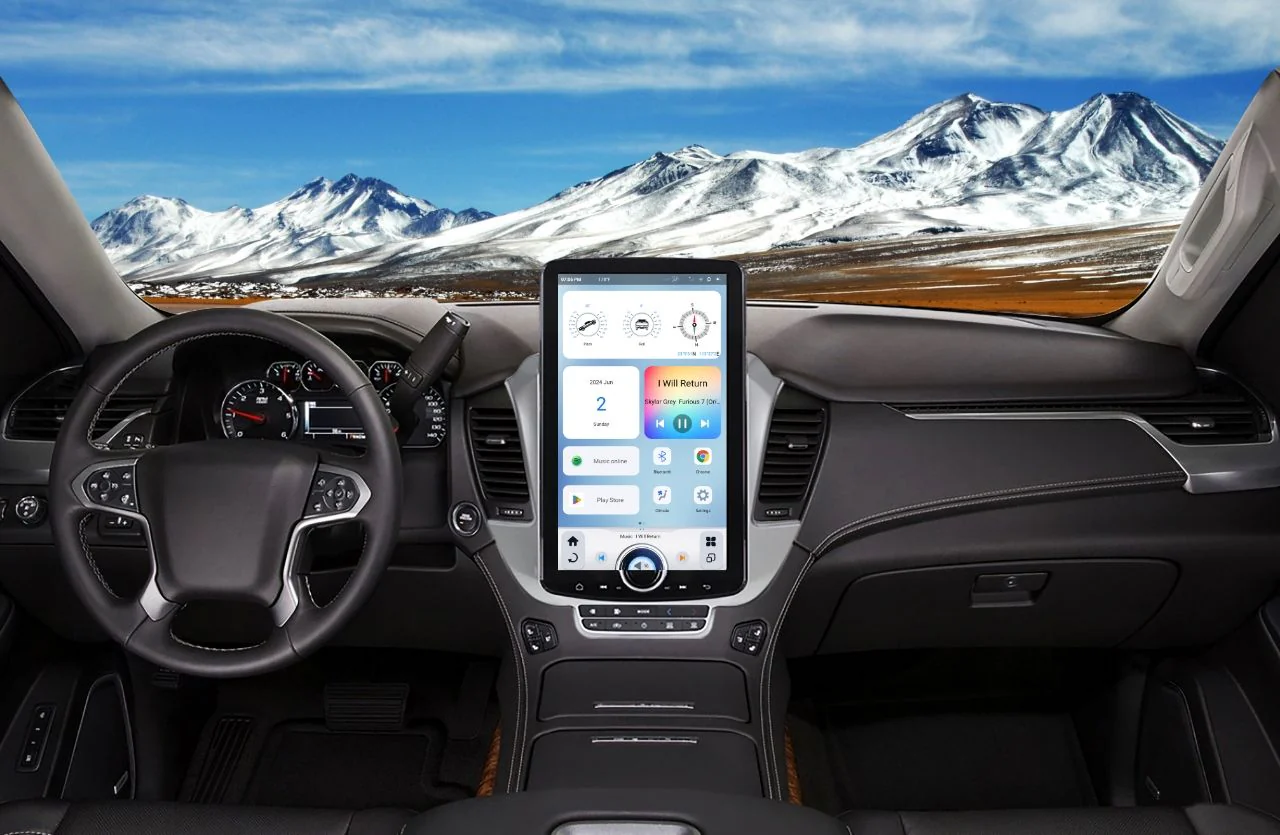
Adds HDMI In to any 5H (Gen 5) & S (Gen 6) T-Style Radio.
Three output modes are possible: 720@25hz, 720@30hz or 1080@ 30hz. Choose the option that best suits your device and display.
The radio will require turning the HDMI input “ON” in the Settings Menu:
- Hit “Settings”>”System”>”Factory Settings”
- Enter “1660” for the code then “OK”
- Hit “Install Set” on left side
- Scroll down to “HDMI Input” and turn it “ON” (DO NOT CHANGE ANY OTHER SETITNGS IN THIS MENU)
- Hit “Save and Reboot”
In order to allow video in motion, you may have to change the “Video in Motion” setting in the “Settings”>”Video” tab to “ON”
Original: $129.95
-65%$129.95
$45.48Product Information
Product Information
Shipping & Returns
Shipping & Returns
Description
Adds HDMI In to any 5H (Gen 5) & S (Gen 6) T-Style Radio.
Three output modes are possible: 720@25hz, 720@30hz or 1080@ 30hz. Choose the option that best suits your device and display.
The radio will require turning the HDMI input “ON” in the Settings Menu:
- Hit “Settings”>”System”>”Factory Settings”
- Enter “1660” for the code then “OK”
- Hit “Install Set” on left side
- Scroll down to “HDMI Input” and turn it “ON” (DO NOT CHANGE ANY OTHER SETITNGS IN THIS MENU)
- Hit “Save and Reboot”
In order to allow video in motion, you may have to change the “Video in Motion” setting in the “Settings”>”Video” tab to “ON”